
All blogs
AI App Development
Voice Commands for AI-Powered Apps: Best Practices
Explore best practices for integrating voice commands in AI-powered apps, enhancing user experience, performance, and accessibility.
14 min read
Voice Commands for AI-Powered Apps: Best Practices
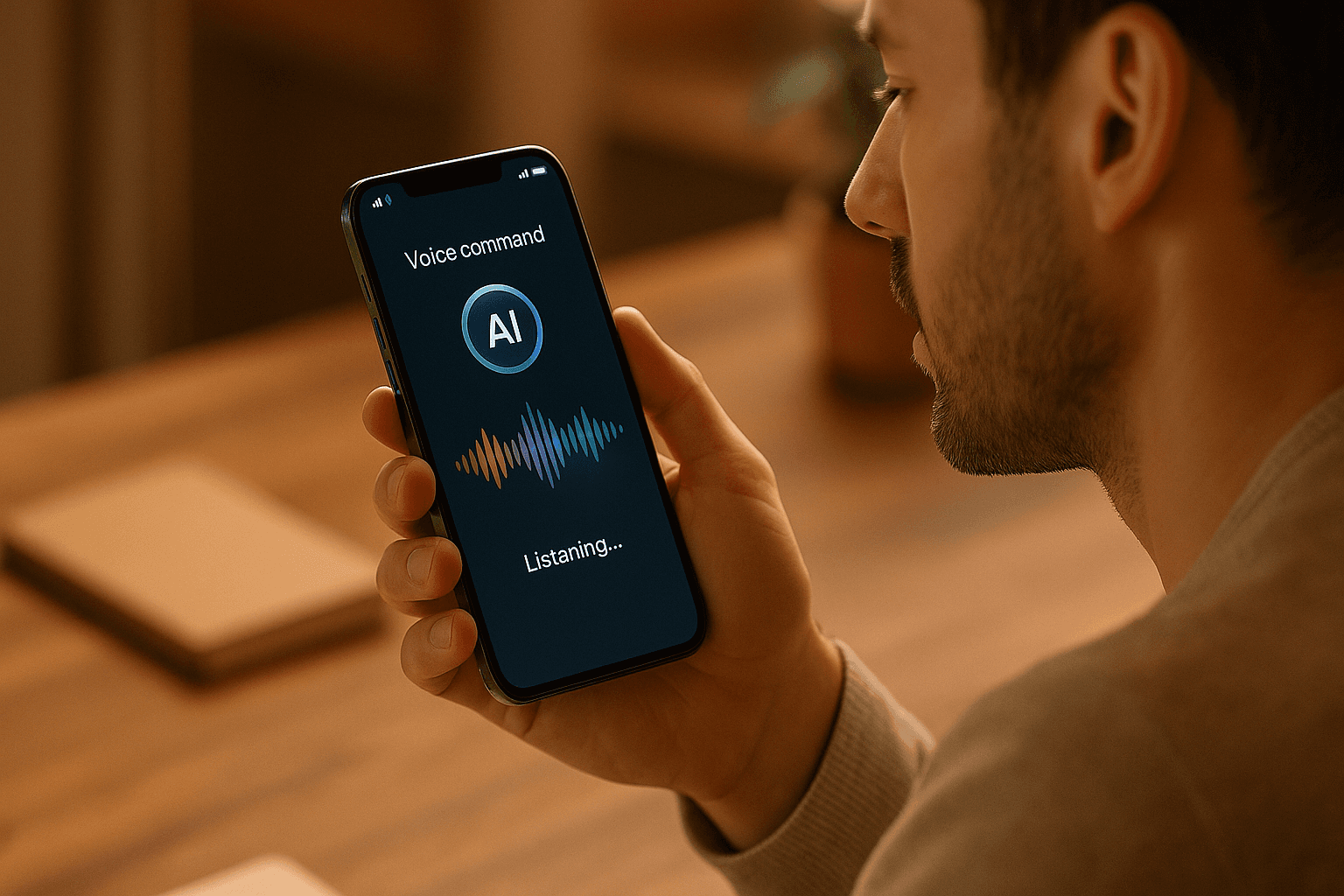
Voice commands are transforming how we interact with apps, offering a faster, hands-free, and more intuitive way to complete tasks. With over 50% of U.S. adults using voice assistants and 20% of mobile searches being voice-based, it's clear users value this functionality when done right. Modern systems go beyond basic commands, understanding context, accents, and preferences to deliver smooth interactions.
Here’s what makes voice command systems effective:
- Core Technologies: Speech recognition (ASR) converts spoken words into text, while natural language understanding (NLU) interprets user intent.
- Key Features: Wake word detection, multilingual support, and privacy safeguards like encryption and anonymized data.
- Performance Goals: Responses under 300ms, accurate recognition, and contextual awareness.
- Accessibility: Multi-sensory feedback, adjustable settings, and compliance with accessibility standards.
- Platform-Specific Tools: SiriKit for iOS and Google Assistant SDK for Android ensure seamless integration.
To succeed, developers should focus on simplicity, clear feedback, and continuous improvement through user feedback. Apps that prioritize these elements see higher retention and engagement rates, with some reporting up to a 40% increase in active users after integrating voice commands.
Voice commands are no longer optional - they’re a core feature for apps looking to stay competitive in 2025 and beyond.
AI Voice Assistant Project Full Tutorial | React & Python (Phone & Web Calling)
Core Features of AI-Powered Voice Command Systems
Creating an effective voice command system relies on bringing together several interconnected technologies. These features are the backbone of a system that users will either embrace or abandon, depending on how natural and reliable it feels. Understanding the role of each component - and how they work together - is key to building voice interfaces people actually enjoy using.
Speech Recognition and Natural Language Understanding
At the heart of any voice command system lies Automatic Speech Recognition (ASR), which converts spoken words into text that applications can process. ASR depends on deep learning models trained on massive datasets to ensure accuracy. However, real-world conditions like background noise, microphone quality, accents, and speech clarity can affect performance. For instance, a quiet room will almost always yield better results than a noisy environment.
Once speech is transcribed, Natural Language Understanding (NLU) steps in to figure out what the user is trying to do. Unlike older systems that relied on rigid keyword matching, modern NLU can interpret a variety of phrasings for the same intent. For example, whether someone says, "Send a message to Sarah", "Text Sarah", or "Message Sarah saying I’ll be late", the system understands the goal is the same. Apps that continuously refine these models based on user interactions tend to deliver smoother experiences over time.
Together, ASR and NLU form the core of voice systems, enabling them to recognize speech and interpret intent seamlessly.
Wake Word Detection and Multilingual Support
Wake word detection allows users to activate voice systems hands-free by saying a trigger phrase like "Hey Assistant." This feature needs to strike a balance - staying responsive without draining battery life or triggering false activations. A well-implemented wake word system feels effortless, making interactions more intuitive.
Multilingual and accent support is becoming increasingly important as voice systems reach a global audience. Studies show that 72% of users are more likely to use voice features when their native language or accent is supported. To achieve this, systems need ASR and NLU engines that handle diverse languages and accents, taking into account differences in grammar, cultural context, and speaking styles. Training models on varied datasets and offering easy language-switching options within the app are key steps toward inclusivity.
Privacy and Security Considerations
Voice systems capture not just words but also unique vocal traits, making privacy and security essential.
End-to-end encryption ensures that voice data remains secure during transmission and storage, preventing unauthorized access. Additionally, data anonymization removes personally identifiable details from recordings and transcripts, allowing systems to improve their accuracy without compromising user identity.
To build trust, voice systems must comply with regulations like GDPR and CCPA, offering clear policies and obtaining user consent. Features like allowing users to review or delete their voice recordings can further enhance confidence in the system.
Emerging technologies such as voice biometrics add another layer of security. By using a person’s unique vocal characteristics for authentication, these systems combine convenience with robust protection.
At Appeneure, we’ve put these principles into practice across a wide range of industries. From healthcare solutions to multilingual e-commerce platforms, our experience with over 100 clients shows that getting these fundamentals right makes voice features an integral part of the user experience.
Best Practices for Designing Voice Command User Experience
Creating effective voice command systems goes beyond just the technology - it’s about crafting an experience that feels as natural as speaking to another person. The best designs focus on clear command structures, responsive feedback, and accessibility, ensuring interactions are smooth and intuitive. Here’s how to achieve these goals.
Simplifying Command Structures
The foundation of successful voice commands is simplicity. Instead of requiring users to remember rigid scripts like “Menu, Settings, Notifications, Enable,” systems should support natural language commands such as “Turn on notifications.” By incorporating natural language processing, the system can handle variations in phrasing, making interactions feel more fluid. For example, it should understand both “Play my workout playlist” and “Start the workout playlist.”
Additionally, designing for the natural rhythm of human speech - including pauses, contractions, and casual phrasing - can make the experience more conversational. This approach eliminates the need for users to adapt to the system, letting the technology adapt to them instead.
Providing Feedback and Error Handling
Feedback plays a critical role in voice command interactions. Users need immediate confirmation that their commands have been understood. For instance, when someone says “Open settings,” the system could respond with a subtle audio tone, visually highlight the settings icon, and even trigger a small vibration. The key is to keep feedback fast - ideally under 300 milliseconds - to maintain a seamless flow.
When errors occur, the system should guide users gently. Instead of a generic response like “I didn’t understand,” it could ask clarifying questions such as “Did you mean to send a message or make a call?” Offering alternative options, like manual corrections or touch-based controls, can also help users recover quickly. Contextual awareness is another powerful tool; for example, if a user says “Play,” the system might infer whether to play music or a podcast based on their recent activity. This not only reduces confusion but also enhances the overall experience.
Ensuring Accessibility Compliance
Accessibility isn’t just a feature - it’s a necessity. Voice systems should follow established guidelines like the Web Content Accessibility Guidelines (WCAG) 2.2 and integrate platform-specific tools such as Android’s AccessibilityService or iOS’s VoiceOver. Supporting multiple forms of feedback - audio, visual, and haptic - ensures inclusivity for users with different needs.
Customizable settings, such as adjustable volume or speech rate, can further tailor the experience for individual users. Providing text transcriptions for spoken commands is another way to make systems more accessible. Regular usability testing with diverse groups, including individuals with visual, auditory, or motor impairments, helps identify and address potential barriers.
| Accessibility Feature | Role | Implementation |
|---|---|---|
| Multi-sensory feedback | Support users with different needs | Combine audio, visual, and haptic responses |
| Customizable settings | Adapt to individual preferences | Allow volume, speed, and feedback adjustments |
| Platform API integration | Leverage existing accessibility tools | Use VoiceOver, AccessibilityService, etc. |
At Appeneure, we’ve seen firsthand how prioritizing accessibility not only benefits users with specific needs but also enhances the experience for everyone. Features like clear feedback, adaptable command structures, and thoughtful error handling create a more inclusive and enjoyable interaction for all users.
sbb-itb-622dc24
Platform-Specific Implementation of Voice Commands
Implementing voice commands effectively means tailoring them to each platform's unique ecosystem. While the core functionality of voice systems remains consistent, each platform brings its own tools, frameworks, and challenges to the table.
Voice Integration in iOS Apps
For iOS, SiriKit is the go-to framework for integrating voice commands. It offers developers access to system-level features, making it easier to create smooth, cohesive experiences across Apple devices. SiriKit supports specific domains such as messaging, payments, ride bookings, and media playback. This means developers can tap into Siri's voice recognition capabilities without starting from scratch.
Accessibility is another key focus for iOS. Tools like VoiceOver ensure inclusivity while maintaining privacy through on-device processing. When users activate voice control, commands are processed locally whenever possible, which reduces latency and keeps sensitive data secure.
Developers must navigate Apple's strict guidelines when incorporating voice features. Explicit microphone permissions and transparent data usage explanations are mandatory. Apple also carefully reviews voice-enabled apps to ensure they meet privacy and user consent standards.
One major advantage of working within Apple's ecosystem is consistency. The tightly controlled environment ensures that voice commands behave predictably across all Apple devices. However, this consistency comes with the tradeoff of adhering to Apple's specific design and technical requirements.
Voice Integration in Android Apps
Android takes a different approach, centering around the Google Assistant SDK. This SDK offers more flexibility, allowing developers to create highly customized voice experiences. It also supports contextual responses and integrates seamlessly with Google services, giving developers more control over how voice commands function.
Accessibility is a priority for Android as well. Tools like TalkBack and Voice Access cater to users with varying needs. Voice Access, in particular, enables users to control their entire device with voice commands, making it essential for developers to ensure their apps function smoothly within this framework.
However, Android's diversity in hardware and software presents unique challenges. With devices from numerous manufacturers, developers must create adaptable voice systems that perform consistently across a wide range of configurations. This level of variability often demands more testing and optimization compared to iOS development.
| Platform Feature | iOS Implementation | Android Implementation |
|---|---|---|
| Primary SDK | SiriKit | Google Assistant SDK |
| Privacy Approach | On-device processing | Cloud and local options |
| Customization Level | Limited to Apple domains | Highly customizable |
| Device Consistency | High across Apple devices | Varies by manufacturer |
Cross-Platform Development Approaches
For developers looking to support both iOS and Android, frameworks like Flutter and React Native provide an efficient solution. These cross-platform tools allow teams to maintain a single codebase while still implementing voice commands.
In Flutter and React Native, plugins and third-party libraries bridge the gap to native voice APIs. This approach significantly reduces development time, but it may limit access to advanced features like Siri's deep integration or Google Assistant's contextual awareness. For more complex voice interactions, developers may need to write platform-specific code.
For example, React Native utilizes libraries like react-native-voice to handle voice commands. While the ecosystem is well-developed, performance can vary depending on how the app is implemented and the hardware it's running on.
Cross-platform solutions are ideal for basic voice recognition and text-to-speech features, but they often struggle with advanced functionalities like wake word detection or seamless integration with native voice assistants. The choice between native and cross-platform development ultimately depends on the project's requirements. If speed and simplicity are priorities, cross-platform frameworks work well. However, for apps requiring deeper voice integration, native development is the better option.
Regardless of the approach, thorough testing is critical. Voice recognition accuracy can differ based on the device, operating system, and even regional accents. Testing on real devices helps uncover issues and ensures a consistent experience for users across platforms and hardware configurations.
Optimizing Voice Command Performance and User Experience
Voice interfaces are all about making interactions feel natural and intuitive. To achieve this, they need to be fast, accurate, and tailored to the user's needs. Let’s dive into how to improve their performance and enhance the overall experience.
Reducing Latency and Improving Accuracy
Speed is everything when it comes to voice commands. Studies indicate that users perceive voice interactions as smooth when responses are delivered in under 300 milliseconds. To hit that mark, it’s essential to streamline every step of the processing pipeline.
One way to cut down on delays is by processing commands directly on the device. This eliminates the need to send audio to remote servers, which can add unnecessary lag. Lightweight on-device models work well for handling common commands quickly. Pair this with caching frequently used commands, and you’ll shave even more time off responses.
Another key factor is audio quality. Pre-processing the audio with noise reduction techniques ensures the system focuses on the user's voice, even in noisy environments.
Accuracy, on the other hand, depends on training the system with diverse data. Models should be exposed to a wide range of accents and speech patterns. Regular updates using anonymized user data also help the system adapt to real-world usage patterns.
Contextual awareness is a game changer for disambiguating commands. For example, if a user says “open” while looking at a recipe app, the system should infer they want to open a specific recipe, not a different application. Advanced models like ChatGPT can handle these kinds of nuanced, conversational commands. While these models may introduce a slight delay, the improved understanding often makes the tradeoff worthwhile.
| Performance Metric | Benchmark | Optimization Strategy |
|---|---|---|
| Response Latency | Under 300ms | On-device processing, caching |
| Word Error Rate | Below 5% | Diverse training data, context awareness |
Once the system is optimized for speed and accuracy, it’s time to focus on how users receive feedback.
Customizing Feedback and User Settings
A personalized experience goes a long way in making voice interfaces more user-friendly. Let users adjust settings like speech rate, volume, and the type of feedback they receive - whether it’s audio, visual, or haptic. For instance, someone in a quiet environment might prefer visual feedback, while someone with visual impairments relies on audio cues.
Multilingual support requires more than just translating commands. Each language has unique speech patterns and nuances that the system must understand to execute commands correctly.
Accessibility settings are equally crucial. Users with speech impediments might need longer recognition timeouts or more flexible command matching. Meanwhile, those with hearing difficulties benefit from features like visual transcriptions to confirm what the system understood.
AI-powered systems can also adapt to individual usage patterns. If a user frequently uses specific commands or phrases, the system should learn and prioritize those preferences over time. Even small customizations, like allowing users to tweak feedback tones or error messages, can significantly reduce frustration.
Continuous Improvement Through User Feedback
Even with a well-optimized system, user feedback is the key to ongoing improvement. Real-world insights often reveal issues that controlled tests miss. For example, in-app feedback forms immediately after voice interactions can capture a user’s thoughts on recognition accuracy and overall helpfulness while the experience is still fresh.
Usage data also tells a story. Patterns like frequent rephrasing of commands might suggest that the original phrasing isn’t intuitive. Similarly, high drop-off rates after specific prompts could indicate that the feedback provided was unclear or unhelpful.
To keep improving, developers should regularly analyze user feedback. Monthly reviews of user comments and usage logs help prioritize updates. This ensures that common complaints are addressed quickly, while feature requests guide future development.
A/B testing is another powerful tool for refining voice interfaces. By testing different command phrasings or feedback styles with separate user groups, developers can identify what works best based on completion rates and satisfaction scores.
Companies like Appeneure have embraced this continuous feedback loop, integrating it into their development cycles. This data-driven approach ensures that voice interfaces evolve alongside user needs, delivering a better experience over time.
Tracking performance metrics - such as response latency, recognition accuracy, and error rates - provides a clear picture of system health. Consistently monitoring these metrics not only highlights areas for improvement but also confirms whether updates are delivering the desired results.
Conclusion
The potential of voice commands in AI-powered apps is undeniable, especially when implemented thoughtfully. Research shows that well-designed voice commands can increase user retention by up to 30%.
The most effective voice systems use a multimodal approach, blending voice input with visual feedback. For instance, in 2024, WillowTree introduced multimodal voice capabilities to a major U.S. banking app. This allowed users to complete transactions through voice commands while receiving real-time visual confirmations. The results? A 28% jump in app engagement and a 15% drop in support calls within just six months.
Another compelling example comes from 2025, where a psychological health app integrated a ChatGPT-powered voice assistant. This feature enabled meaningful mental health conversations, leading to a 40% increase in daily active users and a 22% improvement in user satisfaction.
These case studies highlight three critical factors for success: ensuring accessibility compliance, gathering continuous user feedback, and tailoring the experience to specific platforms.
The voice assistant market shows no signs of slowing down. By 2025, the number of users in the U.S. is expected to surpass 135 million. Developers who prioritize thoughtful design, performance tuning, and user-driven refinements are well-positioned to thrive in this expanding space.
At Appeneure, we’ve seen firsthand that success with voice commands requires more than just speech recognition. It’s about creating fast, accurate, and intuitive experiences built on strong objectives, cutting-edge technology, and ongoing user collaboration. These principles provide a roadmap for transforming voice commands into an essential part of any app’s functionality.
FAQs
What steps can developers take to ensure voice command systems are secure and protect user privacy?
To ensure voice command systems remain secure and protect user privacy, developers should prioritize a few critical practices. First, implement strong encryption to protect user data both during transmission and while it’s stored. Collect only the data that’s absolutely necessary, adhering to data minimization principles to reduce exposure risks.
Regularly perform security audits and penetration testing to uncover and address any vulnerabilities. Make sure to obtain explicit user consent for data collection and usage. Additionally, provide clear and transparent privacy policies to foster trust and meet legal requirements. These measures are key to building a secure and trustworthy voice command system.
What are the main differences in implementing voice commands for iOS and Android apps?
Implementing voice commands on iOS and Android requires using tools specific to each platform, along with understanding their unique ecosystems.
For iOS, developers rely on SiriKit and Voice Control APIs. These tools are designed to work seamlessly within Apple's ecosystem, offering features like shortcuts and natural language processing that are optimized for iOS devices. This tight integration ensures smooth functionality across Apple's range of products.
On Android, tools such as the Google Assistant SDK and Voice Actions are available. These focus on broader compatibility, allowing developers to create customizable voice interactions that work across a wide variety of devices.
Although both platforms enable advanced voice command capabilities, they come with distinct differences in user expectations, design principles, and integration details. To deliver a smooth and intuitive experience, developers must adapt their strategies to align with the specific strengths and requirements of each platform.
What are the best ways to optimize voice commands in AI-powered apps for faster response times and better accuracy?
To make voice commands in AI-driven apps both fast and precise, focus on streamlined speech recognition models and real-time processing capabilities. Opt for lightweight, pre-trained models that strike a balance between speed and computational efficiency, helping to cut down on delays. Incorporating noise-canceling algorithms further boosts accuracy by filtering out background noise.
Equally important is a user-centered design. Build commands around natural language patterns and offer clear feedback when a command is received and processed. Testing the system in real-world scenarios - covering various accents, noise levels, and speaking speeds - ensures it performs reliably across different conditions. These steps work together to deliver a smooth and intuitive experience for users.
More from the studio

