
All blogs
AI App Development
How AI Improves Remote Team Communication
Explore how AI tools enhance communication and collaboration for remote teams, improving productivity and addressing common challenges.
10 min read

How AI Improves Remote Team Communication
AI tools are transforming how remote teams communicate, making it easier to stay productive and connected. From real-time transcription to automated workflows, platforms like Zoom, Slack, Microsoft Teams, and custom solutions by Appeneure are addressing common challenges like time zone coordination, digital fatigue, and communication barriers. Here's a quick overview of how these tools are helping teams work smarter:
- Zoom AI Companion: Offers live transcription, meeting summaries, and seamless integration with productivity tools to simplify virtual meetings.
- Slack AI Features: Summarizes conversations, provides daily recaps, translates messages, and automates tasks to streamline workflows.
- Microsoft Teams AI Tools: Enhances live meetings with transcription, translation, and noise suppression while integrating deeply with Microsoft 365.
- Appeneure Custom Solutions: Develops tailored apps for businesses needing specific communication features beyond mainstream platforms.
Each tool offers unique strengths and trade-offs, making it important to match the right solution to your team's needs. Whether you're looking to improve meeting efficiency or simplify collaboration, AI has become a key driver for better remote communication.
AI in Microsoft Teams Meetings: My #1 Copilot Feature!
1. Zoom AI Companion
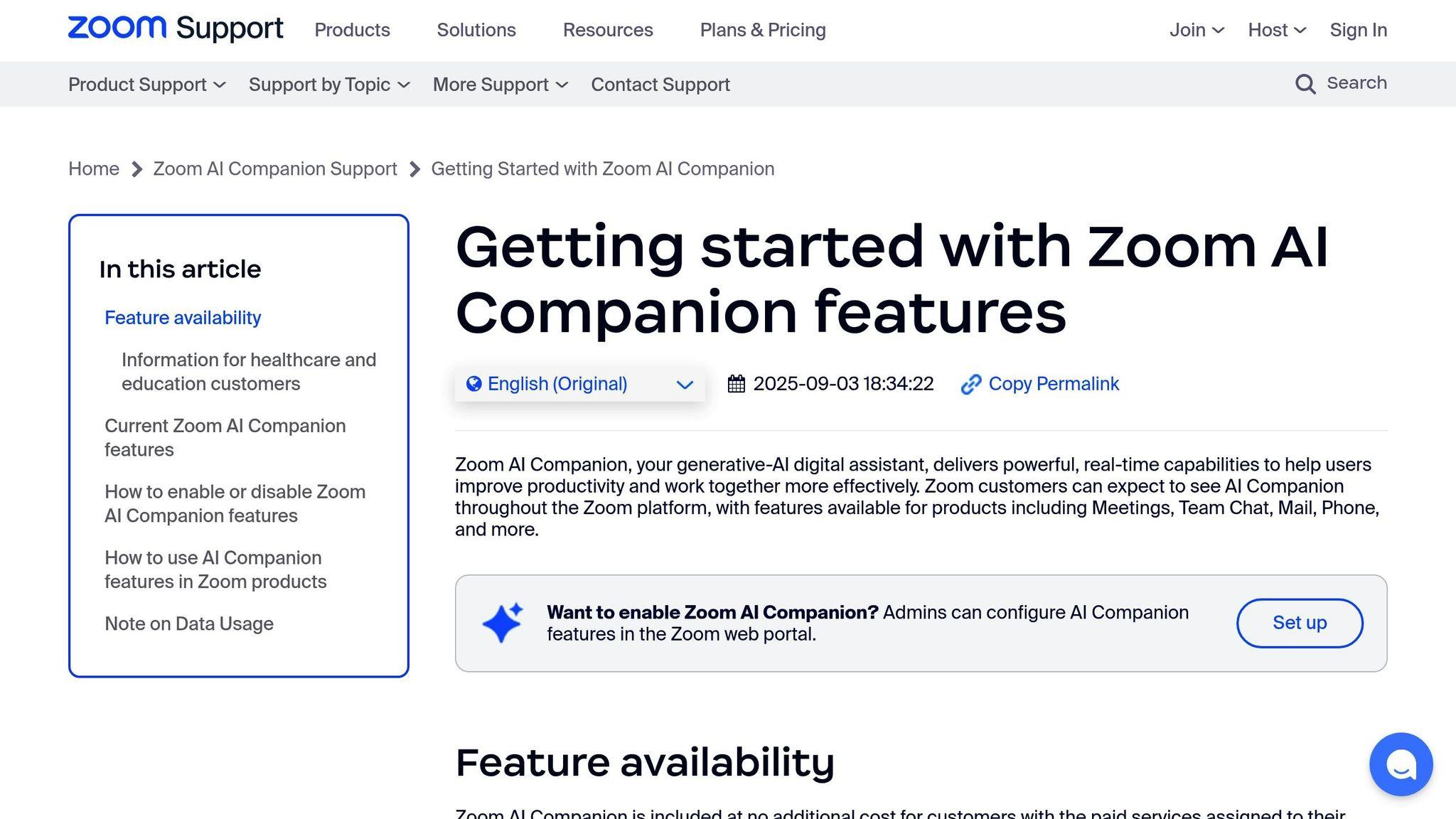
The Zoom AI Companion is designed to make remote team communication smoother and more efficient on Zoom's video conferencing platform. By leveraging AI, it aims to boost both accessibility and productivity during virtual meetings.
Real-Time Communication Tools
One standout feature is live transcription, which transforms spoken words into text instantly, helping ensure that no important details slip through the cracks. Additionally, it creates concise meeting summaries that highlight key discussion points and decisions, making it easier to stay on track and follow up effectively.
This tool doesn’t just enhance live interactions - it also integrates seamlessly into your existing workflows.
Integration with Productivity Tools
The AI Companion connects meeting insights with other productivity tools, simplifying post-meeting tasks and fostering smoother remote collaboration. It’s all about keeping your team aligned and efficient, even after the call ends.
2. Slack with AI Integrations
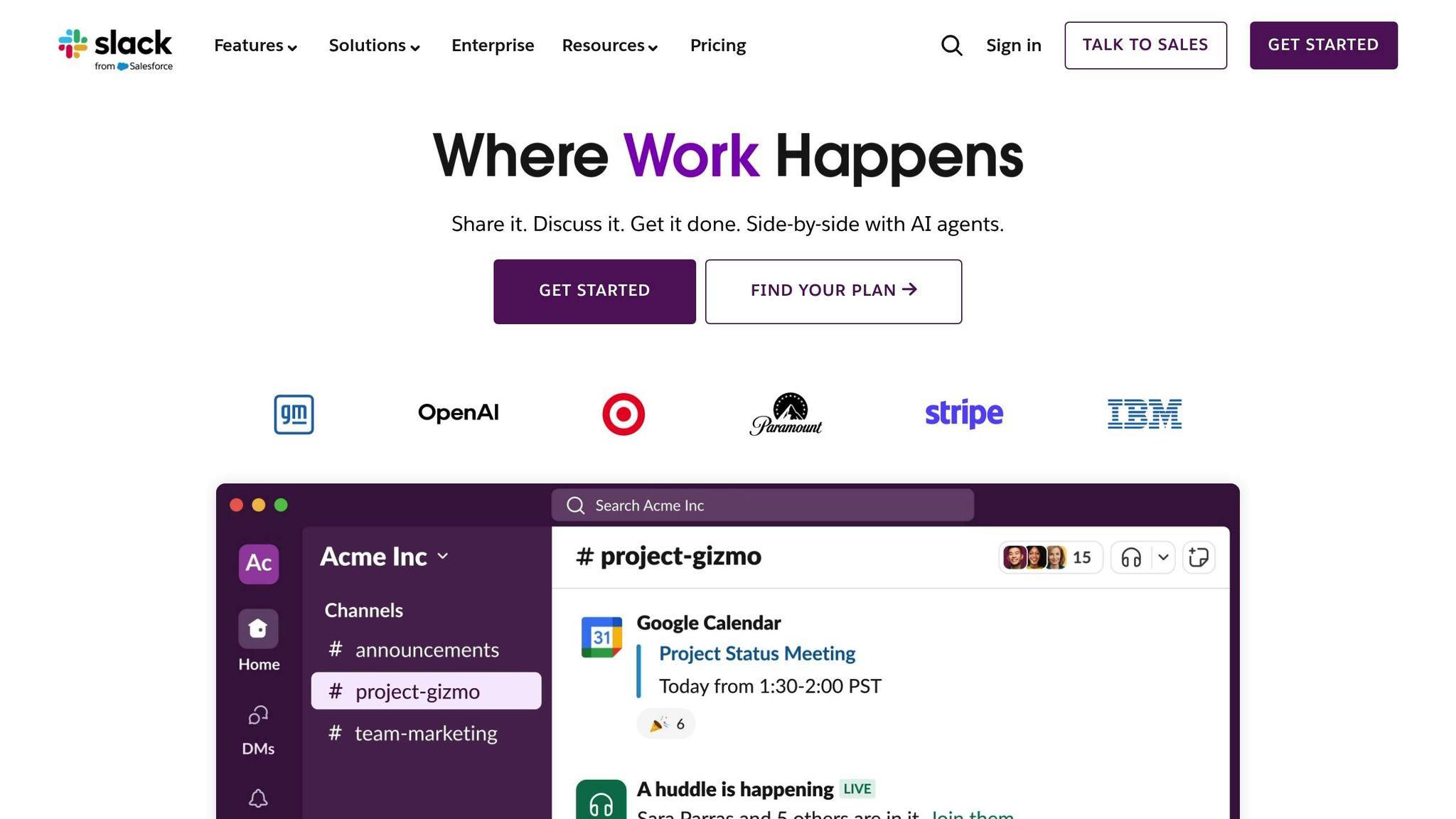
Slack has reshaped how remote teams interact by embedding AI tools directly into its messaging platform. Instead of juggling multiple tools, team members can now access smart features without leaving their conversations.
Real-Time Communication Features
Slack's AI features excel at keeping remote teams connected. For instance, the platform summarizes channels and threads, making it easy to stay updated on discussions. This is especially helpful for teams spread across time zones, where catching up on overnight activity can be a challenge.
Another standout feature is the daily recaps, which highlight key conversations and decisions from the day. According to Slack, these AI tools - like channel recaps, thread summaries, and AI-powered search - save users an average of 97 minutes per week.
For global teams, Slack's real-time language translation eliminates language barriers by instantly translating conversations.
"Our team loves how quickly they can find answers with AI in Slack, which accelerates decision-making and sharpens focus on impactful work." - Slack Customer
Beyond just summarizing conversations, Slack's AI tools extend their usefulness into everyday workflows.
Task and Workflow Automation
Slack takes productivity a step further with automation. AI agents embedded in channels and messages provide contextual answers, retrieve data, and trigger actions - keeping workflows smooth and uninterrupted.
Another time-saver is the automatic meeting note-taking feature. It captures key points and action items from discussions, addressing the common challenge of lost details in virtual meetings or asynchronous conversations.
Tools for Team Engagement
Slack Huddles recreate the spontaneity of in-office interactions by enabling instant video or audio calls with screen sharing. This feature encourages quick collaboration without the need for formal meetings.
The AI-powered enterprise search tool makes finding information incredibly efficient. Whether it’s messages, files, or app data, teams can locate what they need in seconds. This is a game-changer, especially since 47% of digital workers report struggling to find the information they need. By cutting down on time spent searching and reducing context switching, teams can stay focused and productive.
These tools not only improve access to information but also help remote teams maintain strong connections and momentum.
Integration and Security
Slack’s AI integrates seamlessly into existing workflows. Trained on advanced language models, it interprets information, identifies patterns, and interacts naturally with users, improving over time.
Security is a top priority. Slack ensures customer data stays within its infrastructure, isn’t used to train external models, and operates on secure systems that meet compliance standards. This means teams can enjoy the benefits of AI without compromising data protection.
These features are available across all paid Slack plans, making them accessible to teams of all sizes. By combining efficiency with ease of use, Slack’s AI tools enhance communication and collaboration for remote teams.
"With AI in Slack, we can effectively leverage historical knowledge to find answers and make informed decisions. It's essential for maintaining our competitive edge." - Slack Customer
3. Microsoft Teams AI Features
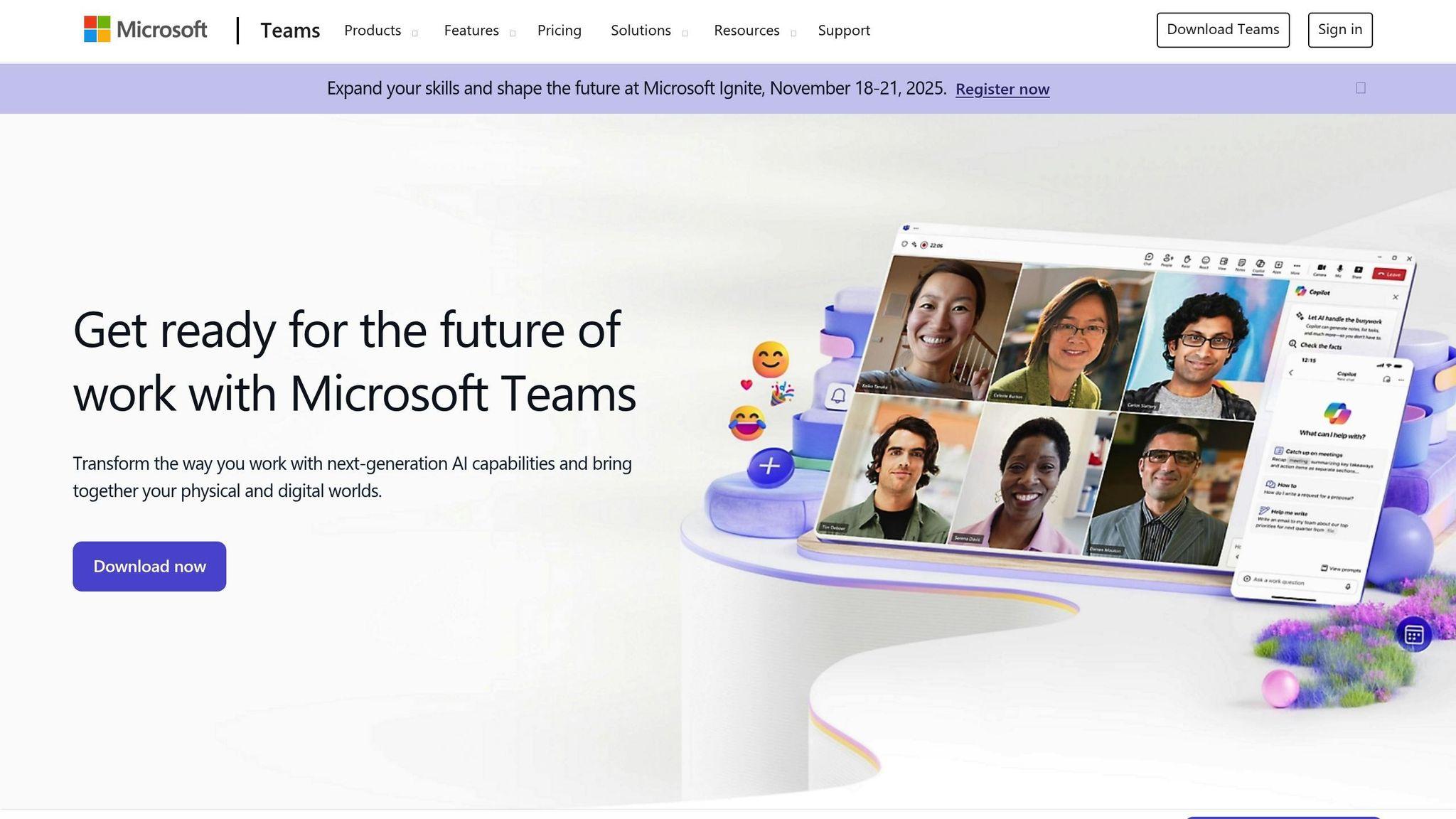
Microsoft Teams has stepped up its game in remote communication by incorporating AI-driven tools. Following the lead of platforms like Zoom and Slack, Teams brings its own set of smart features designed to make virtual meetings more productive and team collaboration smoother.
Real-time Communication Features
Teams uses AI to improve live conversations in ways that feel seamless. One standout feature is real-time transcription, which captures everything said during meetings. This is a game-changer for those who miss parts of a discussion or need to revisit specific details later.
Live captions take it a step further by displaying subtitles during meetings, even identifying who’s speaking. For global teams, the real-time translation of captions helps bridge language gaps, making cross-border communication easier.
Another handy tool is intelligent noise suppression. By analyzing audio, Teams filters out background noise - whether it’s a barking dog or a noisy coffee shop - so the focus stays on the conversation.
Task and Workflow Automation
Teams simplifies meeting follow-ups and scheduling with AI-powered automation. After meetings, it provides summaries that highlight key points, decisions, and action items, cutting down on the need for manual note-taking.
The intelligent scheduling assistant scans team calendars to suggest the best meeting times, taking into account availability and time zones. This reduces the usual back-and-forth of finding a suitable time.
During chats, smart replies offer quick, context-appropriate responses. This helps keep conversations flowing, even when team members are juggling multiple tasks.
Team Engagement Tools
Microsoft Teams also focuses on keeping remote teams connected. Features like Together Mode create a shared virtual environment, making it feel like everyone’s in the same room. For larger meetings, breakout rooms allow smaller groups to have focused discussions, making collaboration more effective.
Integration Capabilities
Teams seamlessly integrates with the Microsoft 365 ecosystem, unlocking even more functionality. Through Microsoft Graph, you get contextual suggestions pulled from emails, documents, and calendars, streamlining your workflow.
With the Power Platform, users can create custom AI-powered workflows without needing technical skills. These workflows can handle repetitive tasks like sending status updates, managing approvals, or collecting data, saving time and effort.
File management is another area where Teams shines. Its integration with Microsoft 365 services ensures that shared documents are easy to find and access during meetings or collaborative sessions.
sbb-itb-622dc24
4. Appeneure's AI-Powered App Solutions
Mainstream platforms might have solid AI features, but sometimes businesses need something more tailored to their unique workflows. That’s where Appeneure steps in. Specializing in mobile app development with a focus on conversational AI, Appeneure collaborates with businesses to build apps that improve communication for remote teams.
Custom Communication App Development
Appeneure combines its expertise in iOS, Android, and web development to craft apps that integrate seamlessly with popular communication tools. Using cutting-edge AI, these apps are designed to fit the specific communication styles and workflows of each company.
Smooth Integration and Hands-On Collaboration
With a strong track record across multiple industries, Appeneure uses an agile development process paired with thorough testing. This ensures every app is secure, scalable, and works effortlessly with existing systems - helping remote teams stay connected and work more efficiently.
Benefits and Drawbacks
AI tools bring both advantages and challenges, and selecting the right one depends on factors like usability, cost, and how easily it fits into your workflow. These tools can simplify remote communication, but each comes with its own set of trade-offs.
Zoom AI Companion is excellent for automating tasks like transcription and meeting summaries. However, it requires a paid subscription and a stable internet connection. Additionally, its transcription accuracy may falter with heavy accents or complex technical terms.
Slack's AI integrations help teams stay organized by quickly surfacing relevant information and streamlining conversations. On the downside, costs can rise significantly for larger teams, and some features may require a technical setup.
Microsoft Teams AI features work seamlessly with the broader Microsoft 365 suite, offering meeting insights and tools like real-time translation. That said, teams transitioning from other platforms may face a learning curve, and access to advanced features often requires higher-tier subscriptions.
Appeneure's custom AI solutions stand out by tailoring tools to fit specific workflows, which can lead to better user adoption. The trade-offs include longer development times and higher upfront costs.
Here’s a quick comparison of these tools:
| Tool | Key Benefits | Main Drawbacks | Best For |
|---|---|---|---|
| Zoom AI Companion | Automated meeting summaries, real-time transcription | Requires paid subscription, stable internet | Teams with frequent video meetings |
| Slack AI Integrations | Efficient conversation organization, smart search | High costs for larger teams, technical setup | Text-heavy communication workflows |
| Microsoft Teams AI | Integration with Office 365, real-time translation | Learning curve, advanced features need higher-tier plans | Organizations using Microsoft ecosystem |
| Appeneure Custom Solutions | Tailored workflows, better user adoption | Longer development time, higher initial investment | Companies with specialized communication |
Cost is another critical factor. Most tools operate on a per-user monthly pricing model for basic features, with advanced capabilities adding to the cost. Custom solutions, while requiring a larger upfront investment, may provide greater value over time.
Cloud-based tools are generally quick to deploy, while custom solutions demand more time for development and training.
Ultimately, the best choice depends on your team's communication needs and long-term goals. Opt for tools that align with how your team works and where you see them growing.
Final Thoughts
A striking 81% of desk workers who use AI report that it boosts their productivity. This underscores the growing role AI can play in enhancing efficiency, especially for remote teams across the United States.
Take Zoom AI Companion, for example - it’s a game-changer for teams that rely heavily on video calls and need thorough meeting documentation. Similarly, Slack’s AI integration simplifies text-heavy workflows, which is a big win for teams juggling multiple projects. Considering that 9 out of 10 workers say AI has helped them save time on tasks, incorporating such tools can make a real difference in managing workloads.
For organizations already using Microsoft products, Microsoft Teams offers a seamless transition. Its integration within the Microsoft ecosystem minimizes the need for extensive training - a crucial factor, given that many companies still struggle to provide adequate AI training for their employees.
While popular platforms offer broad solutions, custom AI tools can address specific business challenges. Companies like Appeneure specialize in creating tailored AI-powered apps that align with unique organizational needs. Although the initial cost may be higher, these custom solutions often deliver better long-term value by aligning closely with business objectives.
When considering AI tools, focus on those that address real challenges and align with your team’s technical comfort, budget, and overall goals. Keep in mind that some companies have restricted AI use due to security concerns. It’s essential to choose tools that comply with privacy standards and protect sensitive data.
It’s worth noting that 85% of workers say AI helps them focus on their most critical tasks. By automating time-consuming processes, AI enables teams to concentrate on high-impact work. The key is to select tools that enhance collaboration without complicating workflows. Testing these tools on a smaller scale before rolling them out company-wide can help you gauge their effectiveness.
Start small - pilot a single tool and measure its impact on productivity. This cautious approach allows you to identify potential challenges and refine your strategy before fully committing to a new system.
FAQs
How does AI help remote teams manage time zone differences effectively?
AI tools make managing time zones a breeze for remote teams. They automatically convert meeting times into each participant's local time zone, cutting down on scheduling mistakes. On top of that, they can suggest meeting slots that work best for everyone’s availability, making coordination much simpler and less prone to confusion.
AI-powered scheduling assistants take it a step further by analyzing team members' calendars across different time zones. This helps pinpoint the most convenient times for collaboration. By simplifying the scheduling process and keeping everyone on the same page, these tools boost productivity and improve communication for remote teams working across the globe.
How does AI enhance communication and workflows in platforms like Slack?
AI transforms how teams communicate and manage workflows on platforms like Slack. By automating routine tasks and cutting down on manual errors, it ensures smoother processes and quicker response times. Plus, with its round-the-clock availability, teams can stay connected and productive regardless of time zones or locations.
AI-powered tools also make life easier by summarizing long conversations, allowing users to quickly find and organize essential information. By handling repetitive tasks and simplifying collaboration, AI enables remote teams to operate more efficiently and dedicate their energy to high-priority, strategic work.
Why should a company invest in custom AI solutions for remote team communication instead of using mainstream platforms?
Investing in custom AI solutions for remote team communication gives companies the power to build tools that fit their exact needs. Unlike generic platforms, these solutions can be crafted to match your specific workflows, data systems, and objectives, ensuring they blend seamlessly with your existing setup.
Custom AI tools also provide flexibility and room to grow, making it easier for businesses to adjust as their teams expand or their priorities shift. With these tailored tools, companies can make smarter decisions, work more efficiently, and tackle challenges in ways that standard, one-size-fits-all options simply can't.
More from the studio

